Radio, podcasts, and music in a familiar clock radio for iPhone and
iPad. Free to download.
Optional in-app purchases.
Best Clock Radio
Beautiful Clock Radio
Best Clock Radio Demo Video
Wake Up to Your Favorite Content
5 Customizable Alarms
Wake up to your favorite podcast, news radio, or sports radio
station using any of the 5 customizable alarms.
News and Sports Radio
Stay informed with the latest news and sports updates. Access a
wide range of news radio and sports radio stations.
POWERFUL & EASY TO USE
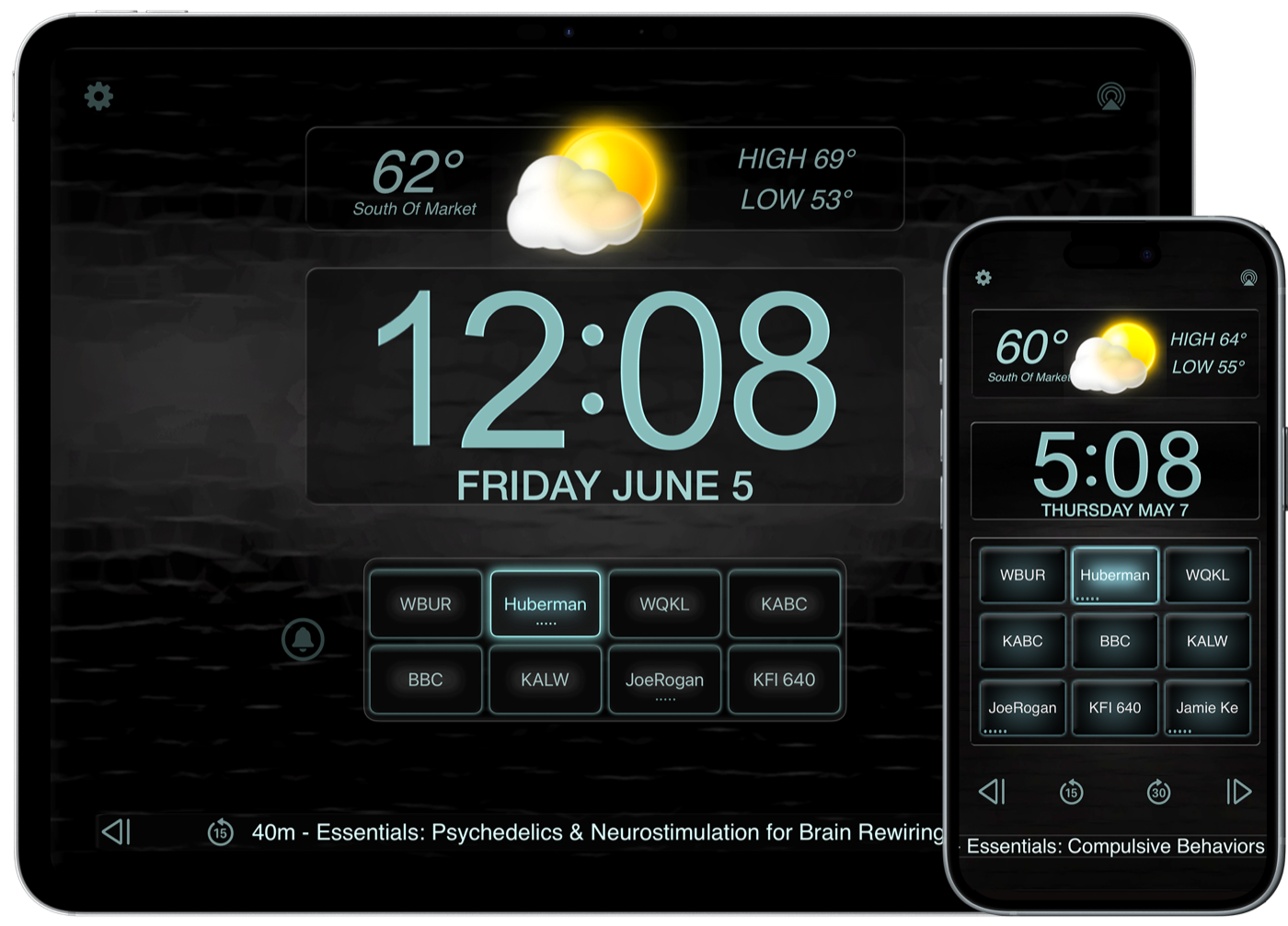
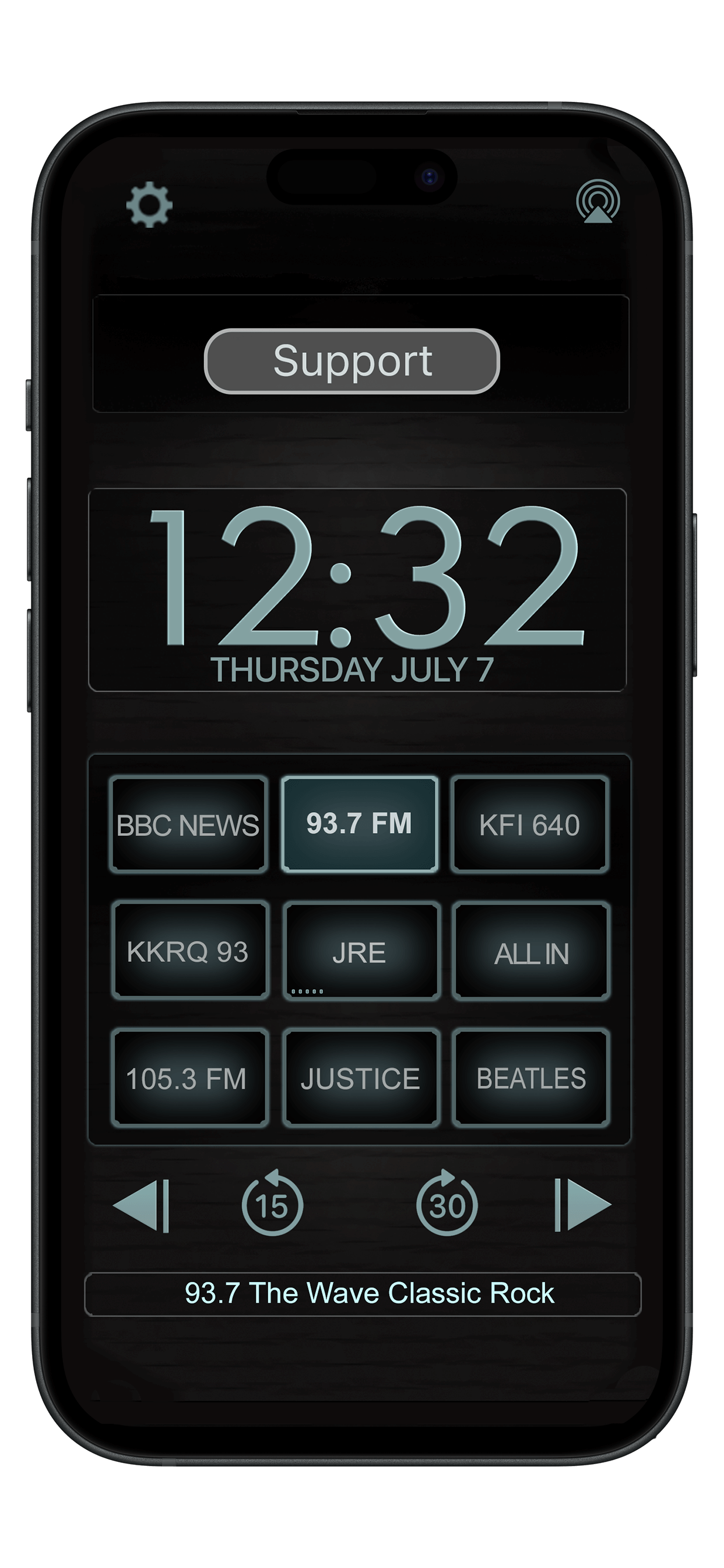
Your favorites stay in fixed, non-scrolling positions. Press and hold a
radio button to program it, then tap it to play your saved station or
podcast. Swipe up or down at the edge of the screen to adjust volume.
Best Clock Radio and Beautiful Clock Radio bring your everyday listening together with familiar, programmable favorites.
Apple Music
Listen to songs, albums, and playlists on Apple Music using the apps’ music integration. With your permission, access your music library and choose music you enjoy.
An active Apple Music subscription is required for Apple Music catalog playback. Apple Music is a separate service; membership is not included with either clock radio app or its in-app purchases. Availability varies by country or region.
Podcasts
Keep favorite shows on programmable buttons, browse their episodes, and use playback controls to pause or jump backward and forward. Go from your clock to your next episode without switching between station apps.
Podcasts use the apps’ podcast player. An Apple Music subscription is not required for podcast playback.
Another way to make it yours
Beautiful Clock Radio
Your favorite sounds. A view that changes with your day.
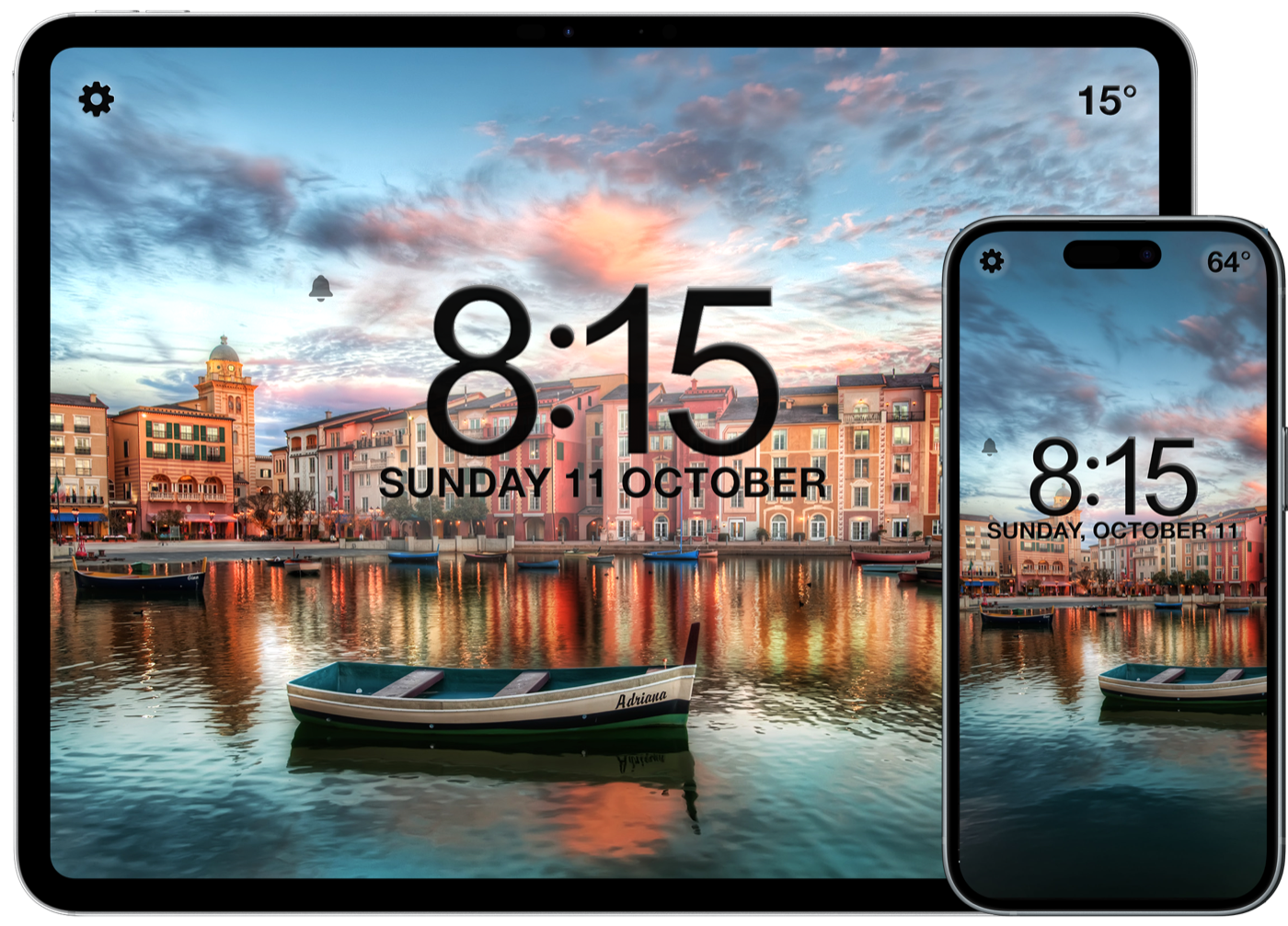
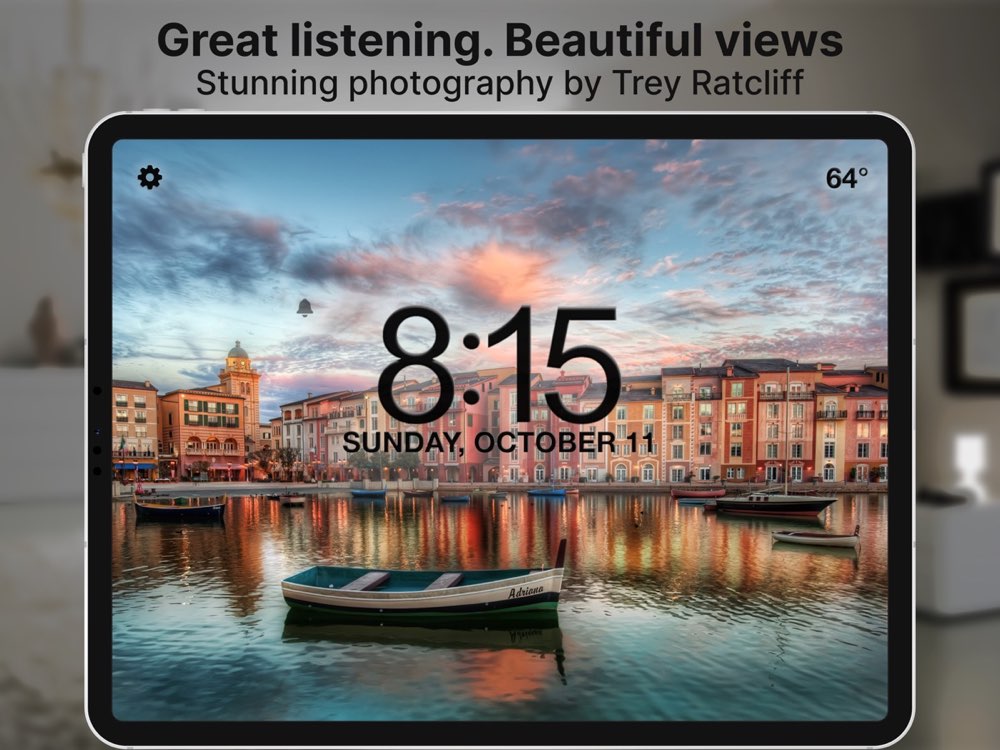
Enjoy radio, podcasts, music, alarms, and a sleep timer with living photographic backgrounds. Optional PhotoSets transition from day to night and respond to the weather.
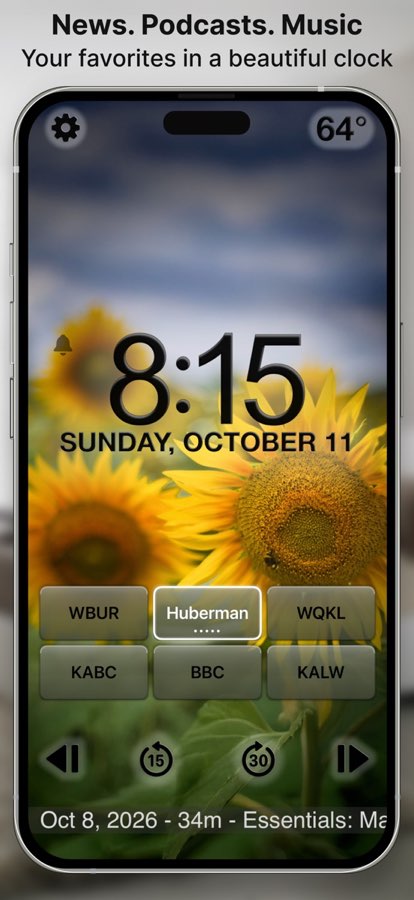
Make each favorite button your own: press and hold to program a station, podcast, music, or soothing sound, then tap to play. Beautiful Clock Radio has six programmable buttons on iPhone and eight on iPad.
Free download with optional in-app purchases. PhotoSets are sold separately. Live weather and automatic station updates are included for the first six months; continued access requires an optional subscription. Core clock radio features do not require a subscription.
Take your listening along
Your favorites. Now on the road.
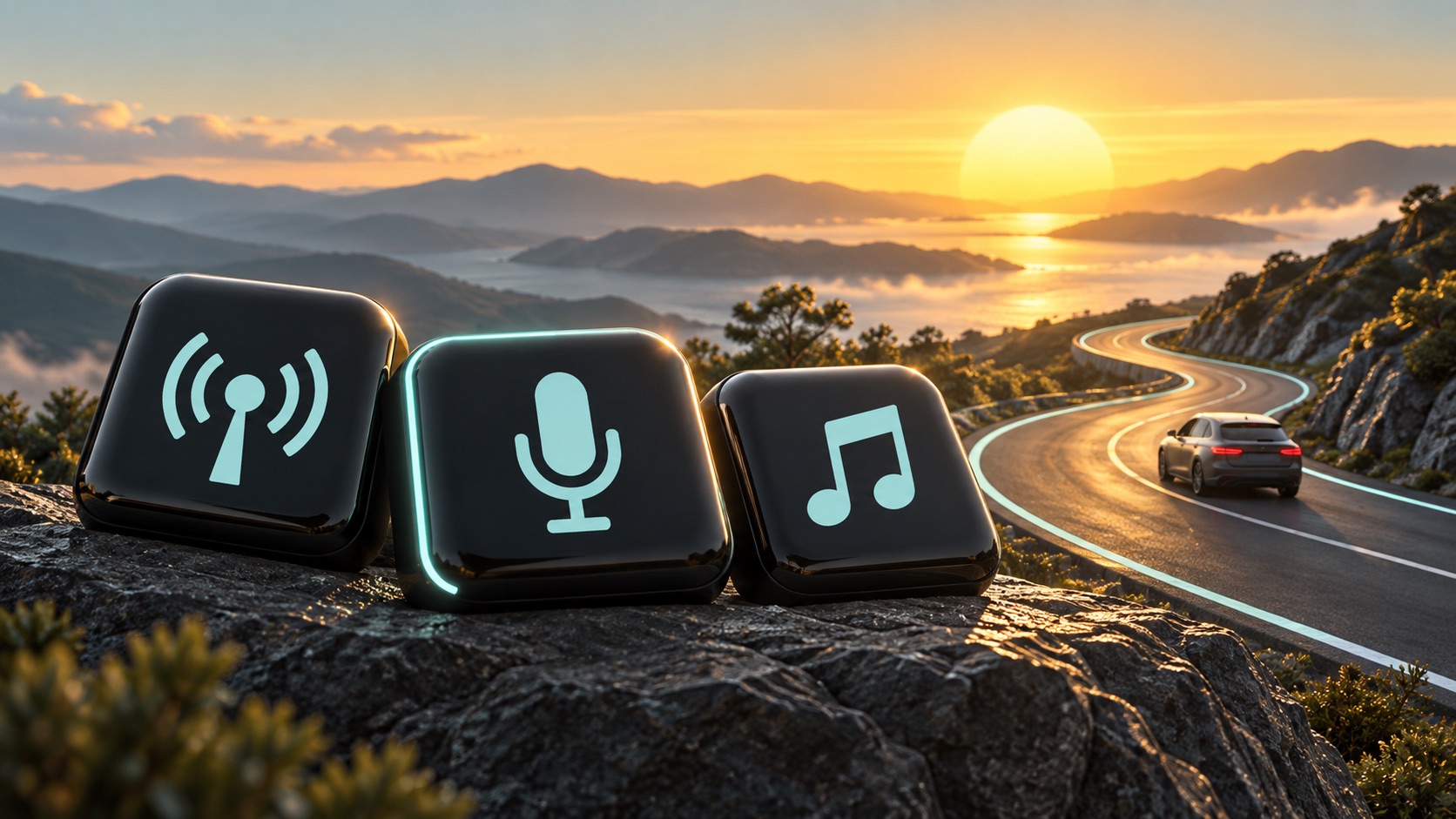
Enjoy radio, podcasts, and music with CarPlay in Best Clock Radio and Beautiful Clock Radio. Bring your everyday listening from your bedside to your next drive.
At home or on the go.
Connect your iPhone to a compatible CarPlay vehicle or receiver, then open your clock radio app on the CarPlay display.
CarPlay requires a compatible vehicle or receiver and iPhone. Apple Music catalog playback requires a separate Apple Music subscription.
We're here to help. If a radio stream stops working, email us
using the link below or directly from within the app. We'll
provide a fresh URL you can re-program to a radio button. (Swipe
the weather panel left to access the in-app support link)
Privacy Policy
Best Clock Radio and Beautiful Clock Radio do not require an account,
display third-party ads, sell personal information, or track you
across other companies' apps and websites. Some features use location,
media, purchase, and diagnostic information as described in our full
policy.
Apple and Apple Music are trademarks of Apple Inc., registered in the U.S. and other countries. CarPlay, iPhone, and iPad are trademarks of Apple Inc. App Store is a service mark of Apple Inc.
 Best Clock Radio
 Beautiful Clock Radio